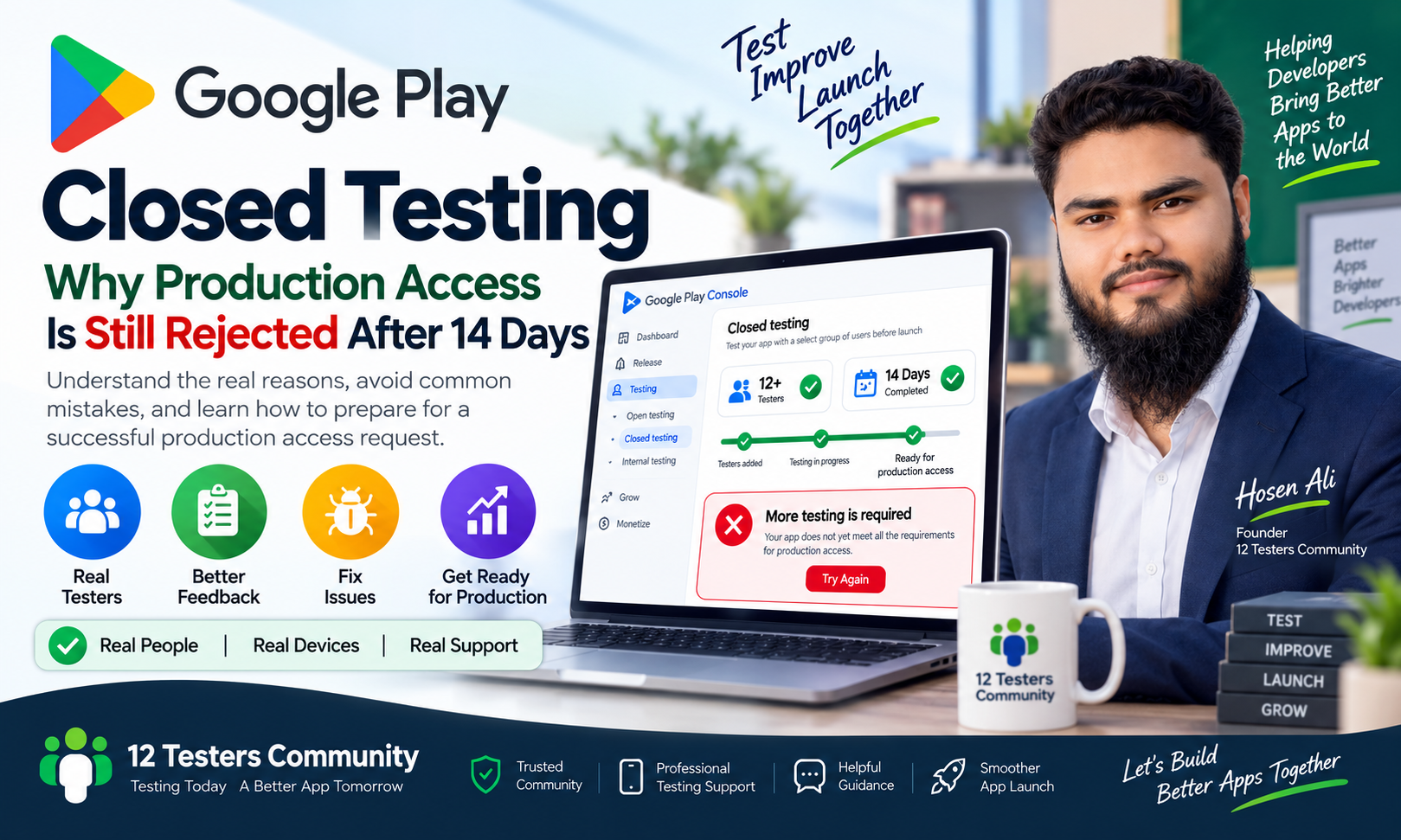
Google Play Closed Testing: Why Production Access Is Still Rejected After 14 Days
Completing 14 days of Google Play closed testing with at least 12 testers is an important milestone for new Android developers. However, completing the required testing period does not automatically guarantee production access.
Many developers complete the testing period and still receive messages such as “More testing is required” or find that their production access request has been rejected. This can be confusing when the basic testing requirements appear to be complete.
The important thing to understand is that Google Play evaluates more than the number of testers and testing days. Tester engagement, feedback, app quality, improvements, and overall production readiness may also affect the final decision.
In this guide, we will explain why production access may still be rejected after 14 days and what developers should do before applying again.
What Is Google Play Production Access?
Production access allows a developer to publish an Android app publicly on Google Play.
For many new personal developer accounts, Google requires developers to complete a closed test before applying for production access. According to Google Play’s official requirements, eligible personal developer accounts created after November 13, 2023 must complete a closed test with at least 12 testers continuously opted in for at least 14 days.
However, completing this requirement only makes the developer eligible to apply. It does not guarantee that the application will be approved.
Google may request additional testing if the testing activity does not provide enough evidence that the app is ready for public users.
Why Can Production Access Be Rejected After 14 Days?
1. Testers Were Not Continuously Opted In
One of the most common problems is that the required number of testers did not remain continuously opted in for the entire testing period.
For example, you may have started the test with 15 testers, but some testers later:
- Left the testing program
- Stopped participating
- Changed their Google account
- Lost access to the testing link
- Were removed from the tester list
- Were no longer opted in to the test
If the number of continuously opted-in testers falls below the required level, the testing period may not satisfy Google’s requirement.
Before applying for production access, confirm that at least 12 testers remained continuously opted in throughout the required testing period.
2. Testers Did Not Complete the Opt-In Process
Adding email addresses to a tester list is not always enough. Testers must also join the testing program through the correct opt-in link.
Depending on the testing method, testers may need to:
- Open the testing link
- Sign in with the correct Google account
- Accept the testing invitation
- Join the Google Group, if applicable
- Opt in to the closed test
- Install the app from Google Play
If testers are added to the list but do not complete the opt-in process, they may not count as active testers.
Ask each tester to confirm that they successfully joined the test using the same Google account that was added to your tester list.
3. Tester Engagement Was Too Limited
Google does not only evaluate the number of testers. Tester engagement is also an important part of the testing process.
A test where testers only install the app once and never use it may provide limited evidence that the app is ready for public release.
Google does not publish a universal rule requiring every tester to open the app every day. However, developers should ensure that testers have enough time and opportunity to use the app and provide meaningful feedback.
A proper testing process may include:
- Installing the app on real devices
- Using the main features
- Testing different screens and workflows
- Checking login and registration
- Testing notifications
- Trying different Android devices
- Reporting crashes and bugs
- Sharing usability suggestions
- Testing the app after updates
The objective is to demonstrate that real users interacted with the app and that the developer reviewed the results.
4. The App Still Contains Major Issues
Production access may be rejected if the app is not ready for public users.
Before applying, carefully check for:
- App crashes
- Broken buttons
- Incomplete features
- Login problems
- Payment issues
- Navigation errors
- Poor performance
- Broken links
- Incorrect app information
- Problems on different Android versions
- App content that does not match the store listing
If testers report serious issues, fix them before submitting the production access request.
Closed testing should be used to identify and resolve important problems before the app becomes available to the public.
5. Feedback Was Not Collected or Used
A closed test should not be treated as a formality. Developers should collect feedback and use it to improve the app.
Google’s production access application may ask about:
- How testers participated
- What feedback testers provided
- What changes were made based on the feedback
- Why the app is ready for production
If you cannot clearly explain what you learned during testing, your application may appear incomplete.
Keep a simple testing record that includes:
- Tester feedback
- Reported bugs
- Fixed issues
- Improvements made
- App versions tested
- Important changes after testing
A simple and organized testing record can help you provide accurate answers during the production access application.
6. The App Was Not Improved After Testing
If testers report problems but the app remains unchanged, Google may have less evidence that the testing process was useful.
For example, testers may report that:
- The login button does not work
- The app crashes when opening
- A screen is difficult to use
- A feature is incomplete
- The app displays incorrect information
You should review these issues and make appropriate improvements.
Not every suggestion must necessarily be implemented. However, developers should review the feedback and make reasonable decisions based on the app’s requirements and user experience.
7. The Production Access Application Was Too Brief
When applying for production access, avoid submitting short or unclear answers.
For example, writing “The app was tested for 14 days and everything is fine” does not explain much about the actual testing process.
Instead, provide clear information about:
- How many testers participated
- How testers were invited
- Which features were tested
- What problems were discovered
- What improvements were made
- How the app was tested on real devices
- Why the current version is ready for public users
Your answers should always be honest and based on your actual testing activity.
Do not claim that testers performed actions or provided feedback if they did not actually do so.
8. Other Google Play Requirements Were Not Completed
Completing closed testing does not replace the other Google Play publishing requirements.
Before applying for production access, also review the following:
- Privacy policy
- Data safety information
- App content declarations
- Target API requirements
- App access instructions
- Permissions
- Ads declarations
- Subscription or payment information
- Copyright and intellectual property
- Store listing accuracy
- Sensitive permissions and restricted content
If your app requires login, provide valid review credentials or clear access instructions when necessary.
Make sure that the information in Play Console accurately matches the actual behavior of your app.
What Should You Do If Google Requests More Testing?
If Google says that more testing is required, do not simply submit the same application again without making improvements.
Follow these steps:
Step 1: Review the Testing Status
Check whether at least 12 testers remained continuously opted in for the full required period.
Step 2: Confirm Tester Participation
Ask testers to confirm that they are still enrolled in the closed test and are using the correct Google account.
Step 3: Review Tester Feedback
Collect feedback from testers and identify the most important problems, suggestions, and usability issues.
Step 4: Fix Important Issues
Resolve crashes, broken features, performance problems, and other major issues before continuing.
Step 5: Continue Testing
Run additional testing with active testers. Give them enough time to use the updated version and report their experience.
Step 6: Document the Changes
Keep a record of the issues reported by testers and the improvements made in response.
Step 7: Apply Again With Clear Answers
When you become eligible to apply again, provide detailed and truthful answers about the additional testing and improvements.
How to Prepare for a Strong Production Access Request
Use the following checklist before submitting your application:
- At least 12 testers remained continuously opted in
- The required testing period has been completed
- Testers joined through the correct opt-in process
- The app was installed and tested on real devices
- The main features were tested
- Important bugs were fixed
- Tester feedback was reviewed
- Improvements were made based on feedback
- The app does not contain major crashes
- The privacy policy is ready
- Store listing information is accurate
- Data safety information is correct
- App access instructions are provided when necessary
- Production access answers are detailed and honest
Remember that the purpose of closed testing is not only to complete a 14-day requirement. It is an opportunity to verify that your app is stable, useful, and ready for real users.
Does 12 Testers and 14 Days Guarantee Production Access?
No. Completing 14 days with at least 12 continuously opted-in testers is an important eligibility requirement for many new personal developer accounts, but it does not guarantee approval.
Google may consider:
- Tester engagement
- Testing quality
- Feedback
- App stability
- Improvements made during testing
- Production readiness
- Information provided in the application
If Google requests more testing, treat it as an opportunity to improve the app and provide stronger evidence that it is ready for public release.
Final Thoughts
Production access rejection after 14 days does not necessarily mean that your app has failed permanently. In many cases, Google is asking for more evidence that the app has been tested properly and is ready for production.
Focus on maintaining active testers, collecting meaningful feedback, fixing important issues, and preparing a clear application.
Avoid treating closed testing as only a countdown of 14 days. A professional testing process can help you identify problems early, improve the user experience, and prepare your app for a more successful Google Play review.
For official information, review Google Play’s documentation about closed testing and production access requirements.
Official Google Play Documentation
https://support.google.com/googleplay/android-developer/answer/14151465
Related Articles
Google Play Closed Testing: Complete Guide for New Developers
Why Google Play Closed Testing Fails: Common Mistakes to Avoid