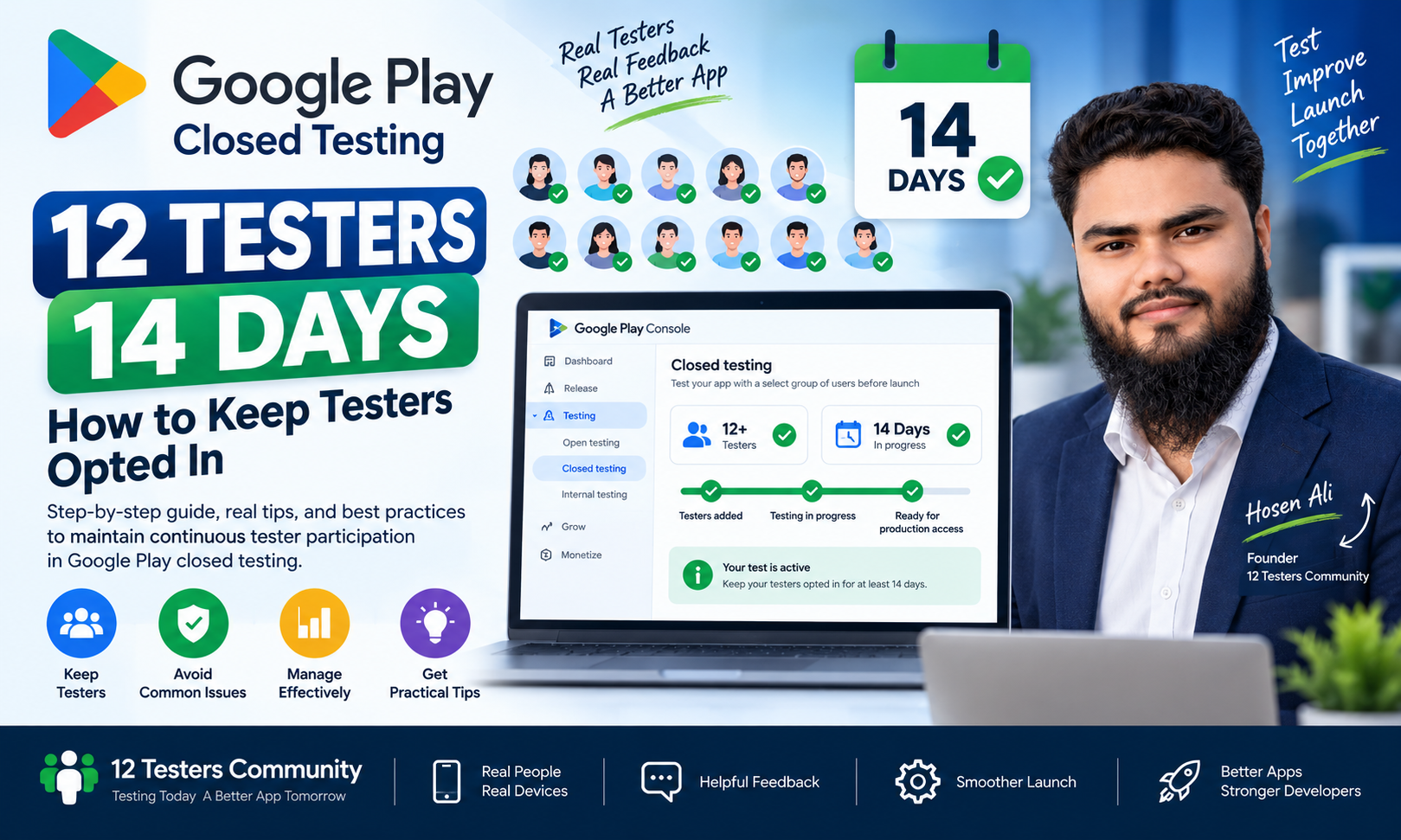
Google Play Closed Testing: How to Keep 12 Testers Opted In for 14 Days
For many new Android developers, completing Google Play’s closed testing requirement is an important step toward production access. However, finding 12 testers is only part of the process. The testers must also remain continuously opted in for the required testing period.
A developer may start with 15 or 20 testers but later discover that some testers have not completed the opt-in process, left the testing program, or are no longer participating as expected. These problems can make the testing process more difficult and may affect the developer’s eligibility to apply for production access.
In this guide, we will explain what continuous opt-in means, how testers should join a closed test, how to avoid common participation problems, and how to manage the testing process more effectively.
What Is the 12-Testers and 14-Day Requirement?
For eligible personal developer accounts created after November 13, 2023, Google Play requires a closed test with at least 12 testers continuously opted in for at least 14 days before the developer can apply for production access.
This requirement applies to the testing status of the app. It is not simply a matter of collecting 12 email addresses or waiting 14 calendar days.
The important points are:
- At least 12 testers must be opted in.
- The testers must remain continuously opted in.
- The required testing period is at least 14 days.
- The developer must meet the criteria before applying for production access.
- Meeting the requirement does not guarantee production access approval.
Google may ask additional questions about the testing process, the app, and its production readiness.
What Does “Continuously Opted In” Mean?
A tester is opted in when they have joined the closed testing program through the appropriate process and remain enrolled in that test.
Continuous opt-in means that the required testers must remain opted in throughout the relevant testing period. If testers leave the testing program or are no longer eligible to participate, the developer may need to review the testing status and continue testing.
The requirement is not the same as simply having 12 people listed in Play Console.
For example:
- Adding 12 email addresses does not automatically mean all 12 people have opted in.
- Sending a testing link does not guarantee that every tester has completed the process.
- Having 12 testers at the beginning does not guarantee that all 12 remain opted in.
- Completing 14 calendar days does not automatically guarantee production access.
The safest approach is to maintain more than the minimum number of testers and regularly confirm that they are still participating.
How Should Testers Join a Closed Test?
Google Play allows developers to manage closed testers through email lists or Google Groups.
The exact process depends on the testing method selected in Play Console.
For an email-based closed test, the developer adds tester email addresses to the appropriate tester list and shares the testing link.
For a Google Group-based closed test, the developer adds the Google Group address to the testing configuration. Testers must first join the relevant Google Group before opting in to the closed test.
A tester generally needs to:
1. Open the testing link.
2. Sign in with the correct Google account.
3. Follow the instructions on the testing page.
4. Complete the opt-in process.
5. Install the test version from Google Play.
If the tester uses a different Google account from the one added to the tester list, the expected access may not work.
Why Is the Opt-In Process Important?
The opt-in process confirms that the tester has joined the testing program. Without completing this step, a person may not be counted as an opted-in tester for the closed test.
Developers should not assume that a tester has joined simply because:
- The tester received the link.
- The tester opened the link.
- The tester installed the app from another source.
- The tester’s email address appears in a spreadsheet.
- The tester was added to a Google Group but did not complete the testing opt-in.
Ask testers to confirm that they successfully joined the test using the same Google account that was added to the tester list.
Why Should You Start With More Than 12 Testers?
Starting with exactly 12 testers creates very little margin for participation problems.
If one or more testers leave the test or are no longer opted in, the number of eligible testers may fall below the required minimum.
For this reason, it is practical to invite a few additional testers when possible. For example, starting with 15 or more testers can provide a reasonable buffer against unexpected participation changes.
However, extra testers do not replace the requirement for continuous opt-in. The goal is to maintain at least 12 eligible testers throughout the required period.
Common Reasons the Tester Count May Become a Problem
1. A Tester Did Not Complete Opt-In
A tester may receive the testing link but never complete the opt-in process.
Solution:
Ask the tester to open the link again, sign in with the correct Google account, and confirm that the testing program has been joined.
2. A Tester Used the Wrong Google Account
A tester may use one Google account to join the test and another account to access Google Play.
Solution:
Confirm that the account used for opt-in is the same account that was added to the tester list or is a member of the relevant Google Group.
3. A Tester Left the Testing Program
A tester may leave the test voluntarily or otherwise stop being enrolled in the testing program.
Solution:
Ask the tester to confirm their current testing status. If necessary, replace the tester with another eligible participant and review whether the required testing period still needs to continue.
4. A Tester Was Removed From the Tester List
If a tester is removed from the relevant tester list, they may no longer have access to the closed test.
Solution:
Review the tester list in Play Console and make sure the intended testers are still included.
5. A Google Group Member Did Not Join the Group
For a Google Group-based test, being invited to the group is not necessarily the same as joining it.
Solution:
Ask the tester to join the Google Group first and then complete the closed-test opt-in process.
6. The Tester Cannot Find the App
Before an app is available through open testing or production, testers in a closed test may not be able to find it by searching Google Play.
Solution:
Share the app’s Play Store URL or the appropriate opt-in link with testers. Make sure the test is published and the link is available.
7. The Testing Link Is Not Available Yet
After a test is published for the first time, the testing link may take several hours to become available. Additional changes may also take time to become available to testers.
Solution:
Wait for the release and testing link to become available, then share the correct link with testers.
How Can You Manage Testers More Effectively?
A simple tester-management process can help prevent avoidable problems.
Keep a record of:
- Tester name or identifier
- Google account used for testing
- Date the tester joined
- Confirmation that opt-in was completed
- Testing status
- Feedback received
- Any participation issue
You do not need a complicated system. A simple spreadsheet or internal tracking document can be enough.
The purpose is to help you identify problems early rather than discovering them at the end of the 14-day period.
Should Testers Open the App Every Day?
Google’s official requirement focuses on continuous opt-in for at least 14 days. Google does not publish a universal rule stating that every tester must open the app every day.
However, closed testing is intended to help developers identify technical and user-experience issues. Testers should have a genuine opportunity to use the app and provide useful feedback.
A good testing process may include:
- Installing the app
- Using the main features
- Testing important workflows
- Checking different screens
- Reporting crashes
- Reporting usability problems
- Sharing suggestions
- Testing updated versions
Do not claim that testers used the app every day unless that actually happened. Instead, describe the real testing activity accurately.
What Should You Do If a Tester Stops Participating?
If a tester stops participating, first determine whether they are still opted in to the closed test.
You should not automatically assume that uninstalling an app means the tester has opted out. The important question is whether the tester remains enrolled in the testing program.
If a tester is no longer opted in:
1. Confirm the tester’s current status.
2. Check the tester list or Google Group.
3. Ask the tester to rejoin if appropriate.
4. Add another eligible tester if needed.
5. Review whether the required continuous testing period is still satisfied.
6. Continue testing if the required criteria have not been met.
Keep your records accurate and avoid counting testers based only on assumptions.
How Can You Collect Useful Tester Feedback?
Google Play recommends providing a feedback channel for testers. Developers can use email, a website, or a message forum to collect feedback.
Testers cannot leave public reviews for test versions on Google Play, but they may be able to provide private feedback through Google Play.
A useful feedback process should make it easy for testers to report:
- What they tested
- What worked correctly
- What did not work
- Steps to reproduce a problem
- Device and Android version
- Screenshots or screen recordings, when useful
- Suggestions for improvement
Feedback does not need to be complicated. Even a short but specific report can help identify an issue.
How Can You Prepare for Production Access?
Before applying for production access, review the following checklist:
- At least 12 testers remained continuously opted in.
- The required 14-day testing period has been completed.
- Testers joined through the correct opt-in process.
- Testers used the correct Google accounts.
- Google Group testers joined the required group, if applicable.
- The testing release was published.
- Testers received the correct Play Store or opt-in link.
- Important app features were tested.
- Major crashes and broken features were reviewed.
- Tester feedback was collected.
- Important issues were fixed where necessary.
- The app’s store listing is accurate.
- Privacy policy and Data safety information are correct.
- Production access answers are detailed and truthful.
Does Having 12 Testers Guarantee Production Access?
No.
For eligible new personal developer accounts, completing the required closed testing criteria allows the developer to apply for production access. It does not guarantee approval.
Google may evaluate the testing process, app design, production readiness, and other information provided in the application.
The purpose of closed testing is to help developers identify problems and improve the app before public release. Treating the process as only a 14-day countdown may leave important issues unresolved.
Final Thoughts
Keeping 12 testers continuously opted in for 14 days requires more than simply adding email addresses to Play Console.
Developers should make sure testers complete the opt-in process, use the correct Google accounts, remain enrolled in the test, and have a genuine opportunity to test the app.
Starting with a few additional testers, maintaining a simple participation record, collecting feedback, and reviewing the testing status can help reduce avoidable problems.
Most importantly, remember that closed testing is designed to improve app quality and production readiness. A careful and honest testing process is more valuable than simply trying to complete the required number of days.
Official Google Play Documentation
https://support.google.com/googleplay/android-developer/answer/14151465
https://support.google.com/googleplay/android-developer/answer/9845334
Related Articles
Google Play Closed Testing: Complete Guide for New Developers
Why Google Play Closed Testing Fails: Common Mistakes to Avoid
How to Add Testers to Google Play Closed Testing
Google Play Closed Testing: Why Production Access Is Still Rejected After 14 Days